
To start with, let me publicly say how much I love Grasshopper and how I get amazed by the tremendous potential this tool has.
On one lazy Sunday afternoon, while working on a Grasshopper Plugin, I was stuck on one of the requirements — of having Dynamic Parameters for a GH plugin. While doing some exploration on this, I found the solution. After implementing this satisfactorily, I thought of sharing the same for the benefit of others. So here you go.
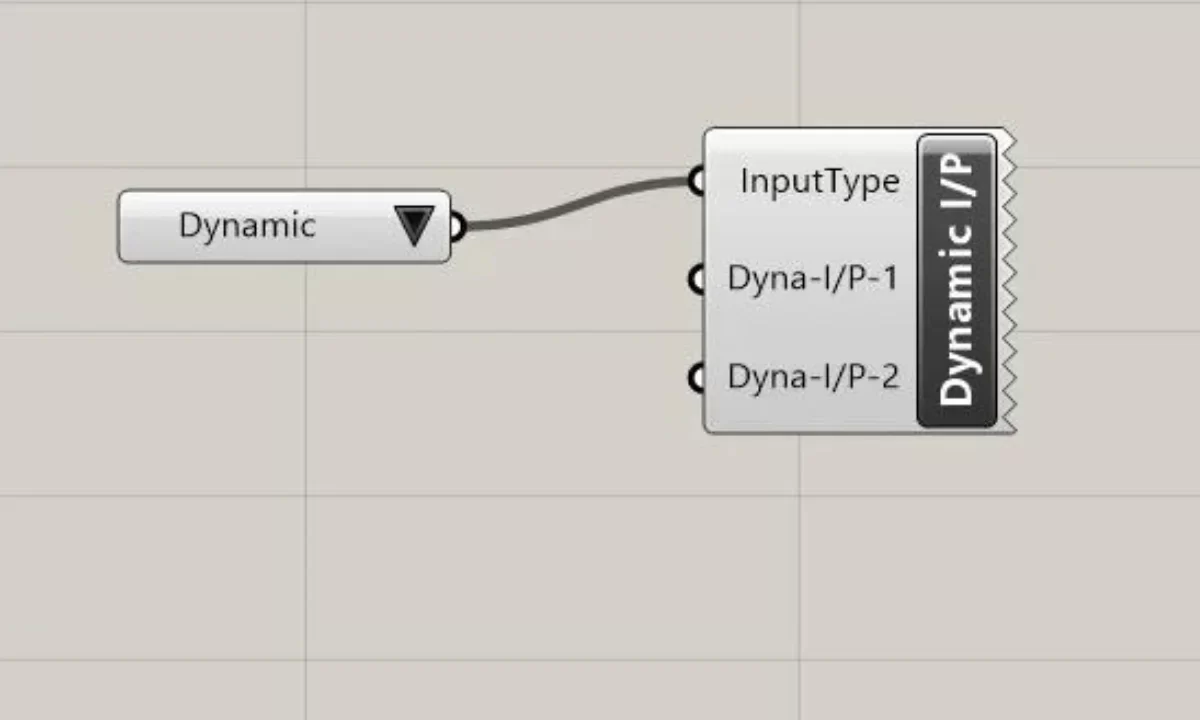
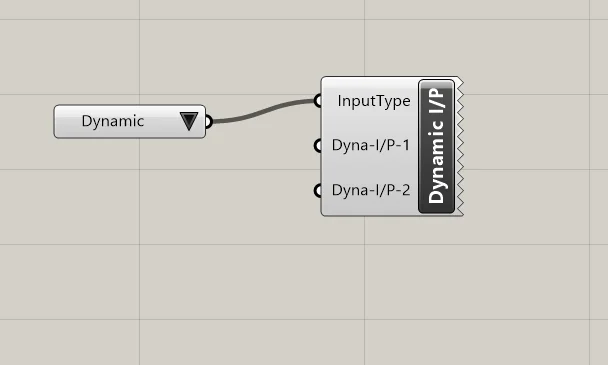
Let’s first write down the requirement. In our custom GH Component, we want to have an input as either of the two values “Static” or “Dynamic” by selecting from Value List. When user chooses “Static”, the fixed set of defined parameters are present. On the other hand, if he/she chooses “Dynamic”, 2 new parameters (Dyna-1 & Dyna-2) are added to the Input.
How do we implement this? Let’s start by writing a function/method to add & register or unregister the parameters after checking the value.
We pass the Input index to the method. For the sake of discussion, let’s assume “Static” = 1 and “Dynamic” = 2
private void dynamicParameters(int inputIndex){
  //we first check if the Dynamic parameters are already added
  //if they are added, better get out of this method
  List<IGH_Param> inputParams = Params.Input.
              FindAll(param => param.Name.Contains(“Dyna”));

  if (inputParams.Count > 0 && inputIndex == 2) return;
  else
      {

      }

}
Once we define the method, the next tasks is to identify the actual processing. If the input is Dynamic we want to add two new parameters. For this, GH provides below method.
public bool RegisterInputParam(
        IGH_Param new_param
)
We will create the new instance of Parameter by using Grasshopper.Kernel.Parameters.Param_Number. Of course, this namespace has other classes like Param_Point etc. Once the class is instantiated, will add basic stuff like Name, Nickname, Access , Description etc.
Grasshopper.Kernel.Parameters.Param_Number dyna1Param =
            new Grasshopper.Kernel.Parameters.Param_Number();
dyna1Param.Optional = true;
dyna1Param.Name = “Dyna-1”;
dyna1Param.NickName = “Dyna-1”;
dyna1Param.Access = GH_ParamAccess.item;
As you can see, the attributes that we are setting on the parameter are pretty much self-explanatory. Once everything is set, we want to Register this parameter with the Parameter Manager Object
public GH_ComponentParamServer Params { get; }
Manager object is present as our component is eventually a GH_Component. Registering a parameter can be done easily
Params.RegisterInputParam(dyna1Param);
Params.UnregisterInputParameter(param);
//first see if have the Dynamically added parameters. If we have then only
//loop through the remove those parameters.

List<IGH_Param> inputParams = Params.Input.
              FindAll(param => param.Name.Contains(“Dyna”));
  if (inputParams.Count >0 && inputIndex == 1) {
    foreach (var param in inputParams)
    {

      Params.UnregisterInputParameter(param);
    }

  }


